



The Solitaire undo button is sometimes the move that teaches you the most.
That does not mean the Solitaire undo button should turn every game into a search for a perfect line. If you rewind after every small mistake, the board becomes a museum of possibilities and the decision-making part disappears. Used with a little discipline, though, undo can show you what a move actually changed.
A card may be legal and still be a poor choice. It may reveal a card while blocking a useful sequence. It may create an empty tableau space and then fill it with a king that opens nothing. It may send a low card to the foundation too early, removing a card that was useful for building in the tableau.
The undo button gives you a second look at those consequences.
Solitaire undo button is a reading tool, not an escape hatch
In classic Klondike, the tableau, stock, waste pile, and foundation all compete for the same limited information. Bicycle's [Solitaire rules](https://bicyclecards.com/how-to-play/solitaire) describe the standard structure, including the face-down cards in the tableau and the stock that supplies additional cards.
The rules explain what moves are legal. They do not tell you whether a legal move is well timed. That is where a second look helps.
Make one move that seems reasonable. Then pause before making the next move. What changed? Did a face-down card become available? Did a useful red or black landing space disappear? Did the waste pile become easier to access, or did you bury the card you were waiting for?
If the move improved the board, keep it. If it created a problem that was not visible before, press undo and compare the position with the original. You are not asking which board looks prettier. You are asking which board gives you more useful choices.
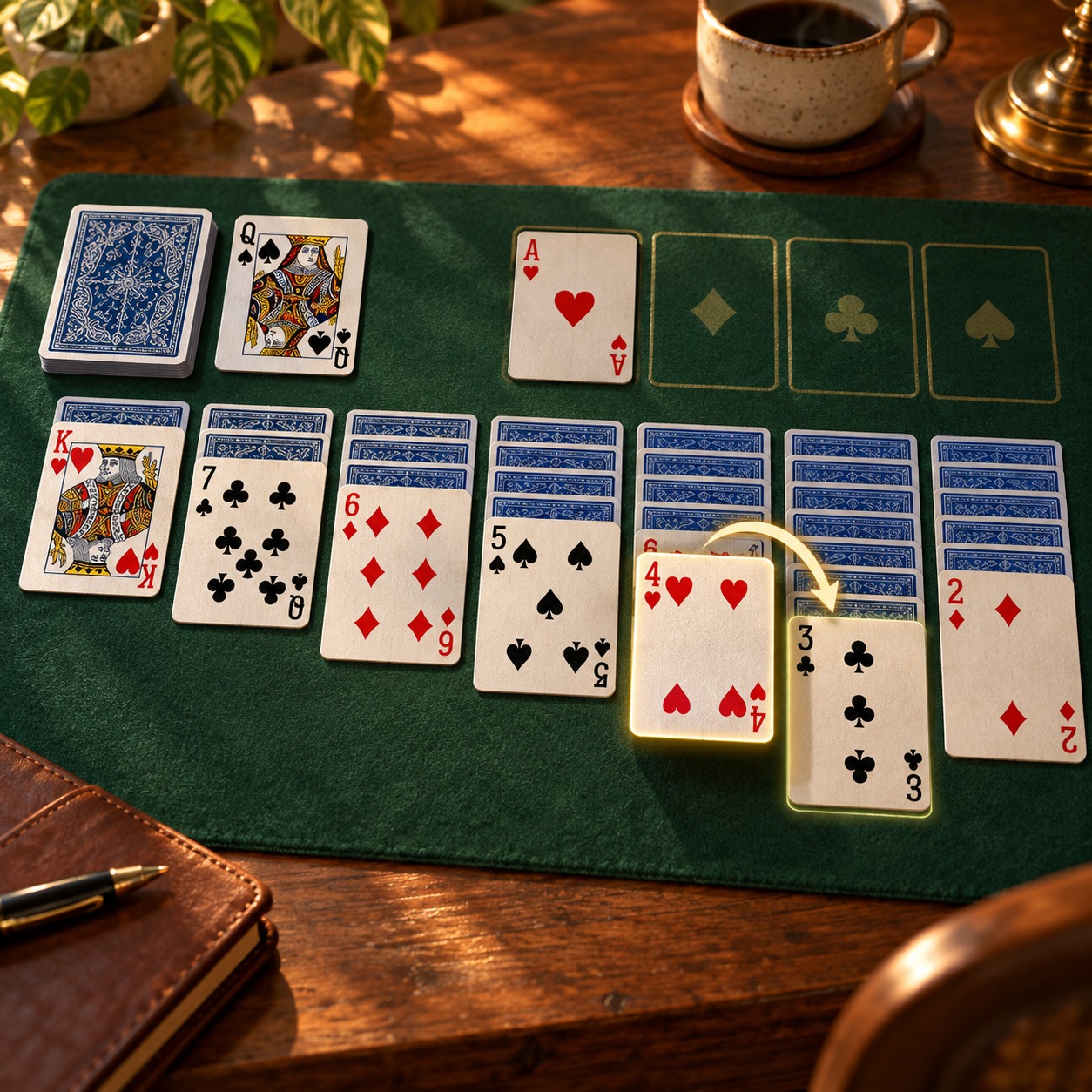
1. Did the move reveal a hidden card?
Turning over a face-down tableau card is usually valuable because it replaces unknown information with a visible option. But the reveal is not automatically worth any price. If the move used the only open space that could later accept a king, or broke a sequence that could have uncovered two cards, the immediate reveal may not be the best trade.
After undoing, compare the number of face-down cards you can reach in the next few moves. Do not count only the card you exposed. Look at the path that follows it.
2. Did the move improve the empty tableau space?
An empty tableau lane is useful because it can hold a king and help rearrange a blocked stack. It is also easy to waste. Filling it with the first available king may create a neat column while hiding the card that would have opened a better sequence.
Press undo and ask what the empty lane could do in each position. One board may have fewer cards moved but more room to repair the tableau. The quieter position is often the stronger one.
3. Did the move change waste-pile access?
A move from the waste pile can look harmless because it removes a visible card. Sometimes it also exposes the card beneath it, which is useful. Sometimes it takes away the only landing place for a card that appears one turn later.
After undoing, read the top of the waste pile again. Which card can be used now? Which card will become available after the next deal? A move that improves the tableau but damages waste access may need to wait.
4. Did the move send a card to the foundation too early?
Moving a card to the foundation feels like progress, and often it is. Yet the tableau may need that rank to build a descending sequence or to provide a color for a future move. The [Bicycle Klondike guide](https://bicyclecards.com/how-to-play/klondike) is useful for the base rules, but timing still depends on the position in front of you.
Undo the foundation move once, not ten times. Compare the new tableau with the old one. If the card had a clear alternative use, leave it in play until that use is gone.
A three-step Solitaire undo button loop
Use this short loop when a move feels uncertain:
1. **Make one move.** Do not chain several moves before reading the result.
2. **Name the consequence.** Say what changed: a hidden card opened, an empty lane disappeared, a waste card became reachable, or a foundation card left the tableau.
3. **Keep or undo.** Keep the move if it creates more useful access. Undo it if it only makes the board look tidy while reducing future choices.
This loop turns undo into a comparison tool. It also keeps the game honest. You are reviewing one branch of the position, not asking the interface to remove the cost of every decision.
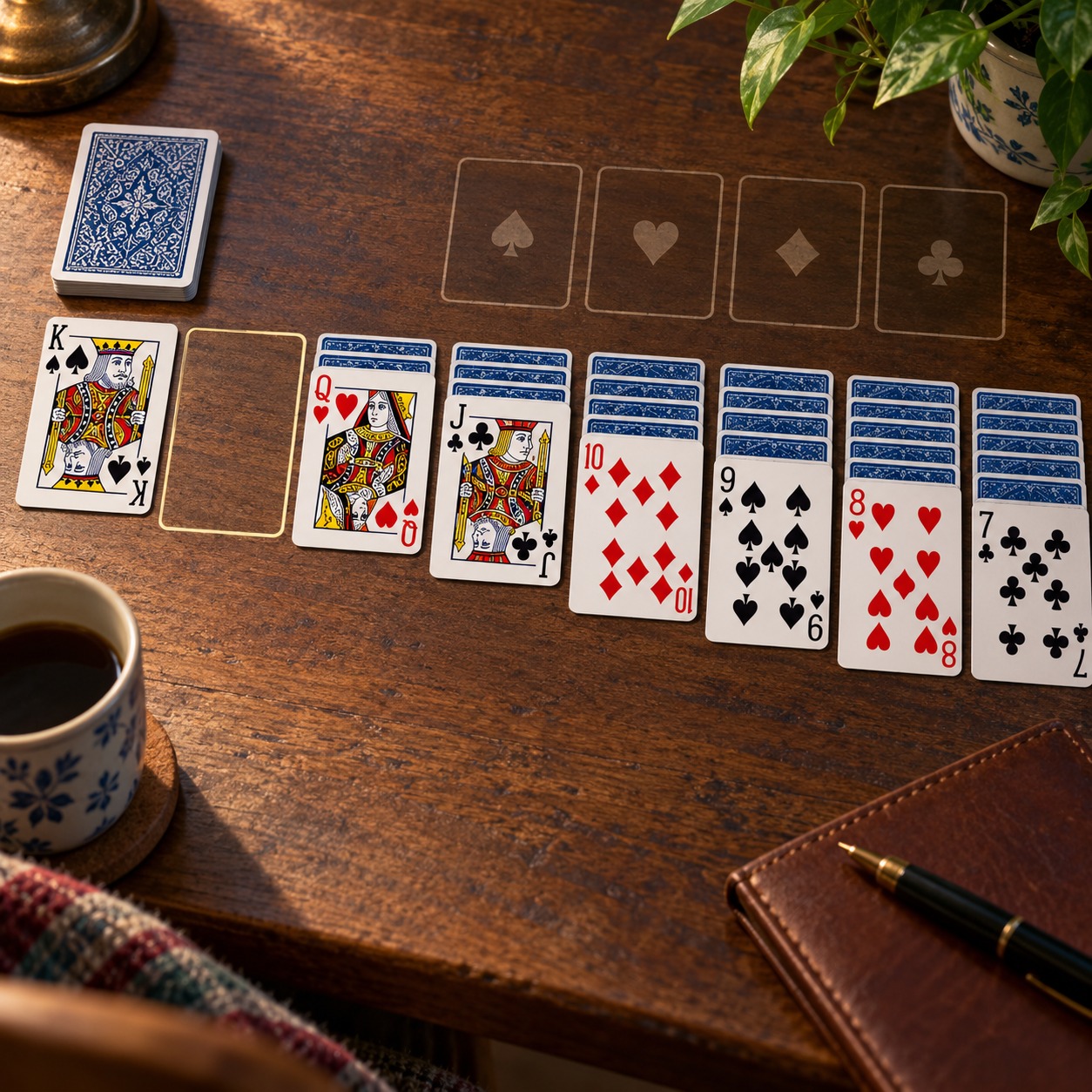
When the Solitaire undo button becomes noise
Undo stops helping when you use it before you have read the result. If a move is reversed instantly, you learn almost nothing. Let the move sit long enough to see its consequence. In many positions, that means waiting one move or checking the top available card before deciding.
Undo also becomes noise when you rewind a whole chain because one later choice failed. Go back only to the decision that created the problem. The purpose is to identify the turning point, not to erase the entire attempt.
Finally, do not compare boards by how many cards are already in the foundation. A lower foundation count can still be better if the tableau has more hidden cards exposed and more landing spaces available. Count access before counting appearances.
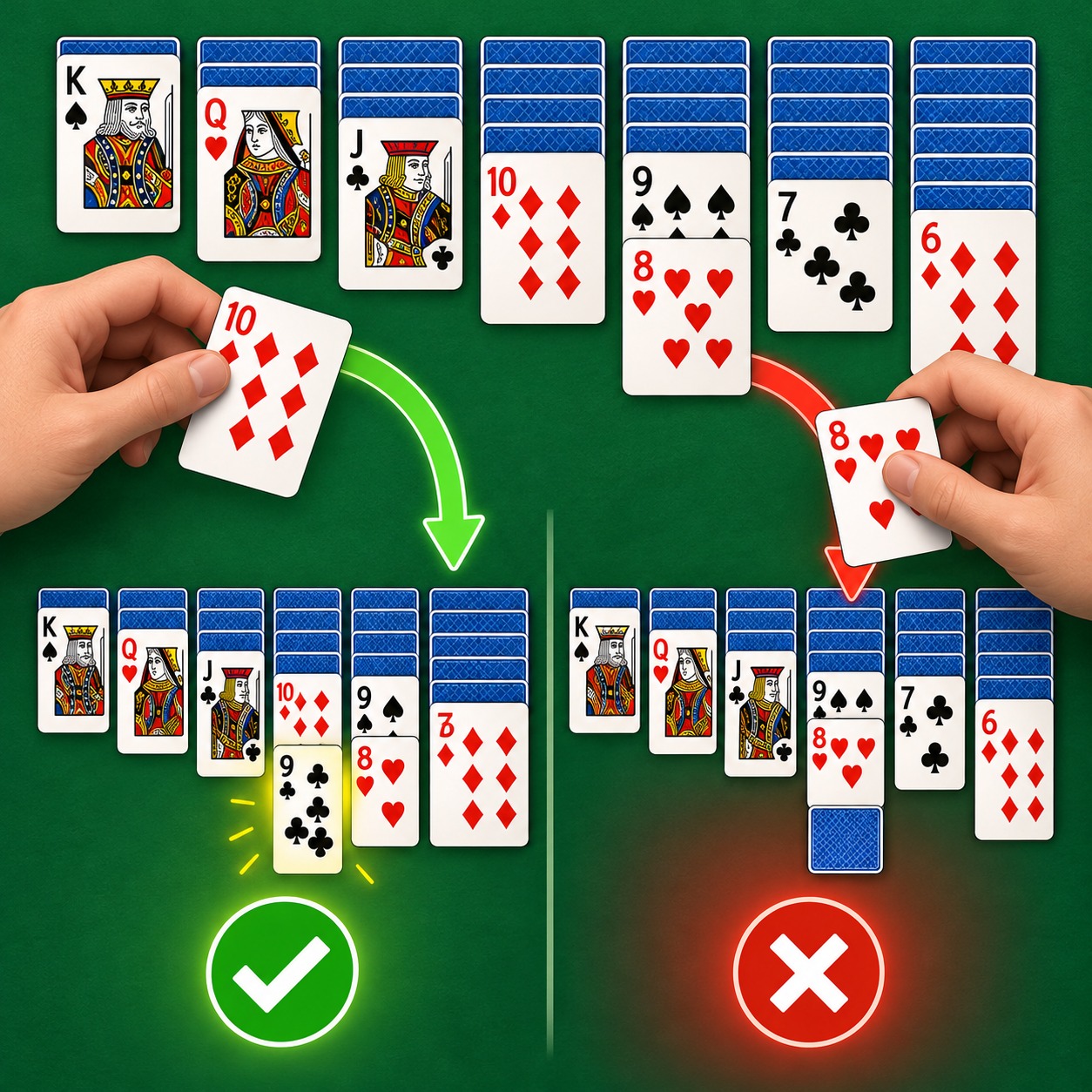
Use one second look to improve the next decision
The best Solitaire sessions do not require a perfect plan from the opening deal. They require a player who notices what a move changes. The Solitaire undo button makes that lesson visible. A card moved to the foundation may remove flexibility. An empty lane may be more valuable than a tidy stack. A hidden-card reveal may be worth protecting even when it slows the board for a moment.
Try the habit on the [Easy Daily Puzzle Solitaire search](https://easydailypuzzle.com/?s=solitaire), then return to the [full Easy Daily Puzzle library](https://easydailypuzzle.com/) when you want a different kind of short game.
Make one move. Read the new position. Undo only when the comparison teaches you something. The next decision will be clearer because of it.