



Online jigsaw rotation looks like a tiny settings choice. Turn it off and every piece arrives facing the right way. Turn it on and the picture may be exactly the same, but the first few minutes feel different. A piece that clearly belongs near the blue sky still refuses to fit because its shape is facing the wrong direction.
That extra step changes the solve from picture matching into picture matching plus orientation.
Online jigsaw rotation is useful because it separates knowing where a piece belongs from knowing how that piece should face.
The setting is useful because it separates two kinds of recognition. You can know where a piece belongs without yet knowing how it should be turned. That gap gives a familiar image a new layer of difficulty, especially on a phone where pieces are already small.
Some online platforms present rotation as a harder mode rather than a separate puzzle. [Tanggle's online puzzle description](https://tanggle.io/) uses piece rotation as part of its hardmode option. For a broader sense of where speed puzzling pushes the same skills, the [World Jigsaw Puzzle Championship rules](https://worldjigsawpuzzlechampionship.com/wjpc/2026/rules) describe timed individual and team formats built around correct placement under pressure.
You can try the gentler version on [Easy Daily Puzzle](https://easydailypuzzle.com/) and browse [more jigsaw puzzles on Easy Daily Puzzle](https://easydailypuzzle.com/?s=jigsaw) before deciding which setting fits your next break.
Online jigsaw rotation adds an orientation problem
Without rotation, the piece's silhouette gives you an immediate first clue. A tab points up, a blank points down, and the image is already aligned with the final picture. You can sort pieces by color, shape, and rough location at the same time.
With rotation on, shape still matters, but direction becomes uncertain. A piece with one flat edge may be a top-edge piece, a bottom-edge piece, or a side piece until you turn it. A line in the image may continue left, right, up, or down. The same piece can look wrong four times before the correct orientation makes sense.
This is not just extra clicking. Online jigsaw rotation changes the order of useful evidence.
Start by asking what you know independent of rotation. A bright red flower, a strong horizon line, or a distinctive window can tell you the piece's region. The shape then tells you how it might connect. If you begin with shape alone, the rotation setting can create too many plausible matches.
Choose Online jigsaw rotation for the mood of the session
Leave rotation off when you want a calm visual break, when the screen is small, or when you are learning the basic rhythm of online jigsaw play. You can focus on image zones and connection quality without also managing four orientations.
Turn rotation on when the image feels too easy, when every piece already faces the correct way, or when you want a closer digital version of a table puzzle. The setting is especially interesting on images with repeated sky, water, grass, or similar textures. Those pictures already ask you to read shape carefully. Rotation makes the shape evidence less automatic.
Do not treat the harder setting as a badge. A good session is one that matches your attention. A 15-minute puzzle with rotation can be more satisfying than a larger puzzle played while rushing.
The [Museum of Play's jigsaw history](https://www.museumofplay.org/blog/the-first-jigsaw-puzzle/) is a useful reminder that the picture and the physical piece have always worked together. Digital rotation simply makes one part of that relationship adjustable.
Sort by information before you sort by direction
When rotation is on, avoid making four piles for north, east, south, and west at the start. That system creates work before you know which pieces matter.
Instead, sort by information value.
Put distinctive objects together: faces, letters, windows, wheels, bright flowers, roof lines, or strong shadows. Put large color fields into broad groups, but do not over-split them by angle. Keep pieces with unusual silhouettes nearby so you can test them when a gap appears.
Then choose one anchor area. A strong line or recognizable object gives you a place where orientation can be solved by context. Once two or three pieces connect, their neighbors provide directional evidence. The image begins to tell you which way is up.
This approach also prevents the most common rotation mistake: turning every piece repeatedly without learning anything from the last attempt. Rotate because you have a reason to test a new orientation, not because the piece is still in your hand.
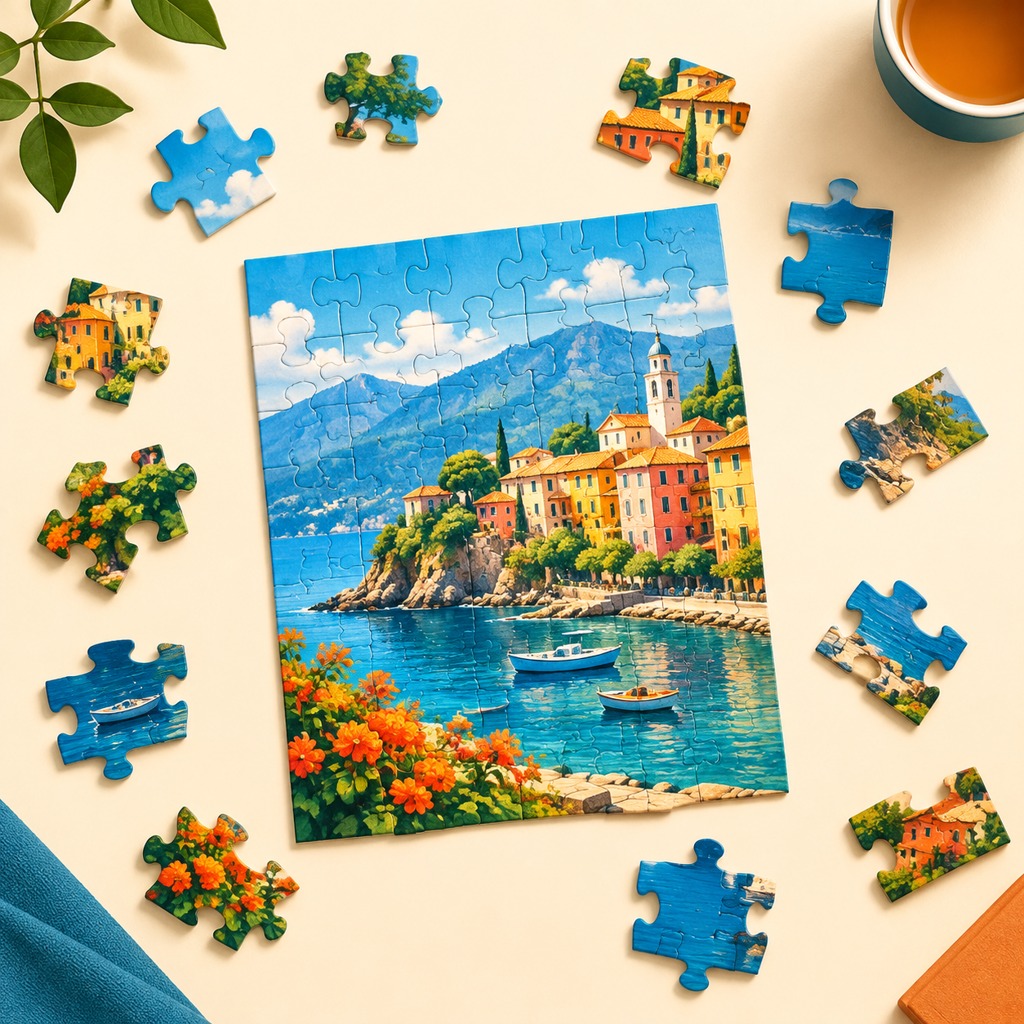
Use lines as a compass
Color can be soft. Lines are usually more decisive.
A fence, road, roof edge, horizon, branch, or printed letter often continues across a seam. If the line enters one side of a piece, note its direction. A rotated candidate should continue that line into the neighboring piece, not merely share a similar color.
This works well online because the image can be zoomed, but zooming should support the eye rather than replace it. Look at the whole area first. Then zoom in to compare a line, texture, or small shape. Return to the full picture before locking the piece.
Rotation also makes shadows important. A shadow may look like a dark color patch from one angle and a directional clue from another. If a piece seems to match by color but the shadow bends the wrong way, keep it loose.
The almost-fit is more dangerous when rotation is enabled because you can always blame the angle. A real fit should satisfy both the picture and the interlocking shape.
A three-pass routine for rotated pieces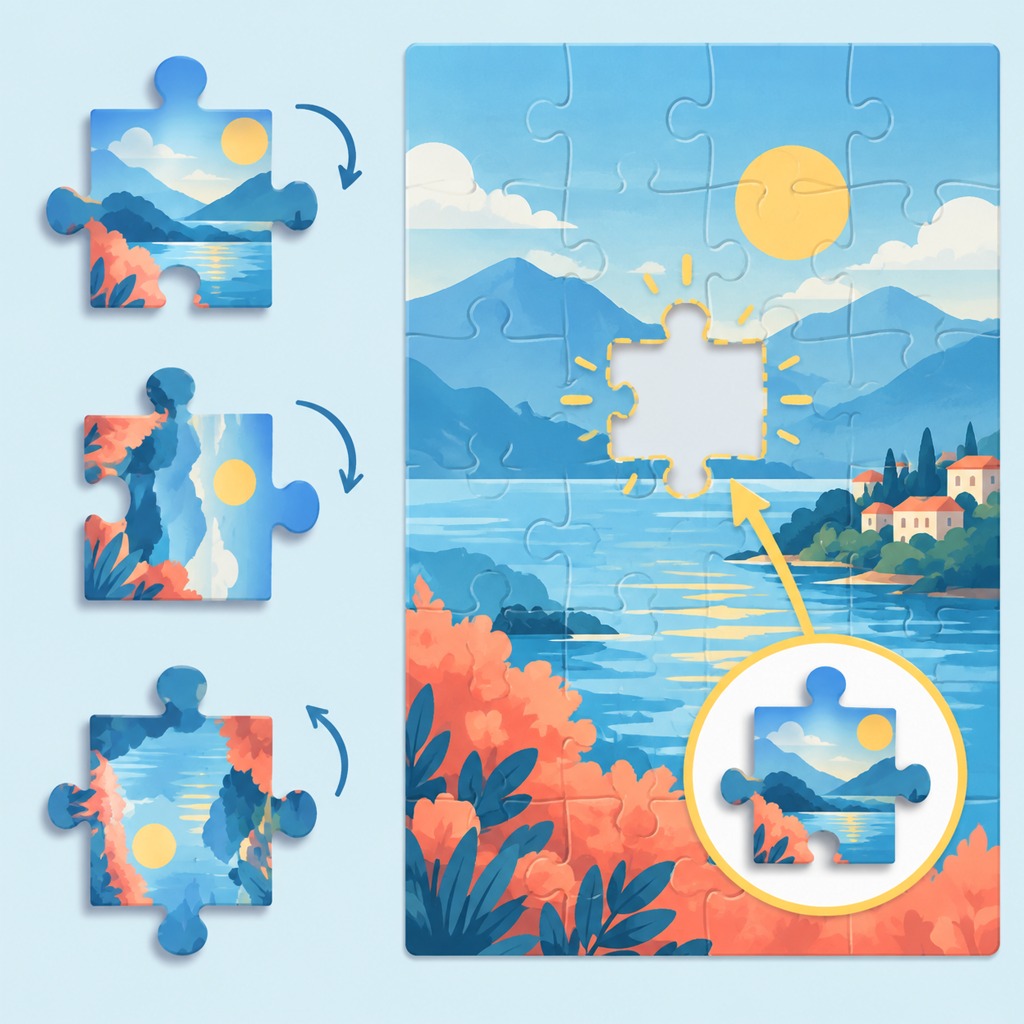
Use three short passes instead of spinning through every option.
On the first pass, identify the likely picture zone. Is the piece probably sky, building, water, foliage, or a central object?
On the second pass, inspect the silhouette. Count the broad pattern of tabs and blanks, and notice any flat edge or unusually narrow shoulder. Rotate only enough to compare the most plausible orientation.
On the third pass, test the image continuation. Do the line, texture, shadow, or color boundary continue naturally into the neighboring area? If not, return the piece to the loose pile instead of forcing it.
This routine keeps the setting challenging without turning the session into a button-clicking exercise. It also creates a useful record in your head: each failed orientation tells you something about the piece's shape and the picture zone it does not belong to.

When to turn rotation back off
There is no rule that says a puzzle must stay in hard mode until the end. If the screen is tiring, the pieces are too small, or the image has become a wall of repeated texture, turn rotation off for a round. You are changing the interface, not abandoning the solve.
You can also use rotation in stages. Begin with it off while building a clear anchor area. Turn it on for the middle where the puzzle feels too predictable. Turn it off again for a final cleanup when the remaining pieces are small and the image provides little help.
That flexibility is one of the strengths of online play. The setting can follow your attention instead of forcing every session into the same difficulty.
Online jigsaw rotation is not merely a harder button. It changes what your eyes trust first. Use image landmarks to find the area, shape to narrow the candidates, and line direction to prove the final fit. When the setting stops making the puzzle interesting, change it back and keep the good part of the session.